'%3e%3cpath%20d='M31.96%2042.4211V31.2583H35.3337L35.8398%2026.9067H31.96V24.1288C31.96%2022.8693%2032.2738%2022.011%2033.9025%2022.011L35.9764%2022.01V18.1178C35.6177%2018.066%2034.3866%2017.9474%2032.9537%2017.9474C29.9616%2017.9474%2027.9132%2019.975%2027.9132%2023.6978V26.9067H24.5293V31.2583H27.9132V42.4211H31.96Z'%20fill='white'/%3e%3c/g%3e%3cdefs%3e%3cclipPath%20id='clip0_820_4965'%3e%3crect%20width='22.8941'%20height='24.4737'%20fill='white'%20transform='translate(19.6235%2017.9474)'/%3e%3c/clipPath%3e%3c/defs%3e%3c/svg%3e)
'%3e%3cpath%20d='M36.9363%2019.0706H25.6868C22.0255%2019.0706%2019.0469%2022.0424%2019.0469%2025.6954V36.9196C19.0469%2040.5724%2022.0255%2043.5442%2025.6868%2043.5442H36.9365C40.5976%2043.5442%2043.5762%2040.5724%2043.5762%2036.9196V25.6954C43.5762%2022.0424%2040.5976%2019.0706%2036.9363%2019.0706ZM31.3116%2037.9992C27.6132%2037.9992%2024.6045%2034.9973%2024.6045%2031.3074C24.6045%2027.6174%2027.6132%2024.6156%2031.3116%2024.6156C35.0099%2024.6156%2038.0186%2027.6174%2038.0186%2031.3074C38.0186%2034.9973%2035.0099%2037.9992%2031.3116%2037.9992ZM38.179%2026.1937C37.0861%2026.1937%2036.1972%2025.3068%2036.1972%2024.2163C36.1972%2023.1259%2037.0861%2022.2388%2038.179%2022.2388C39.272%2022.2388%2040.161%2023.1259%2040.161%2024.2163C40.161%2025.3067%2039.2719%2026.1937%2038.179%2026.1937Z'%20fill='white'/%3e%3cpath%20d='M37.8527%2023.9653C37.402%2023.9653%2037.0352%2024.3315%2037.0352%2024.7811C37.0352%2025.2308%2037.402%2025.5969%2037.8527%2025.5969C38.3036%2025.5969%2038.6704%2025.2311%2038.6704%2024.7811C38.6704%2024.3312%2038.3036%2023.9653%2037.8527%2023.9653Z'%20fill='white'/%3e%3cpath%20d='M27.2234%2031.3073C27.2234%2029.0581%2029.0575%2027.2284%2031.3116%2027.2284C33.5659%2027.2284%2035.3999%2029.0581%2035.3999%2031.3073C35.3999%2033.5564%2033.5659%2035.3863%2031.3116%2035.3863C29.0575%2035.3863%2027.2234%2033.5564%2027.2234%2031.3073Z'%20fill='white'/%3e%3c/g%3e%3cdefs%3e%3cclipPath%20id='clip0_820_4970'%3e%3crect%20width='24.5294'%20height='24.4737'%20fill='white'%20transform='translate(19.0469%2019.0706)'/%3e%3c/clipPath%3e%3c/defs%3e%3c/svg%3e)


Single-Platform vs Multi-Platform Gaming Kiosks A Practical Comparison for Retail Operators
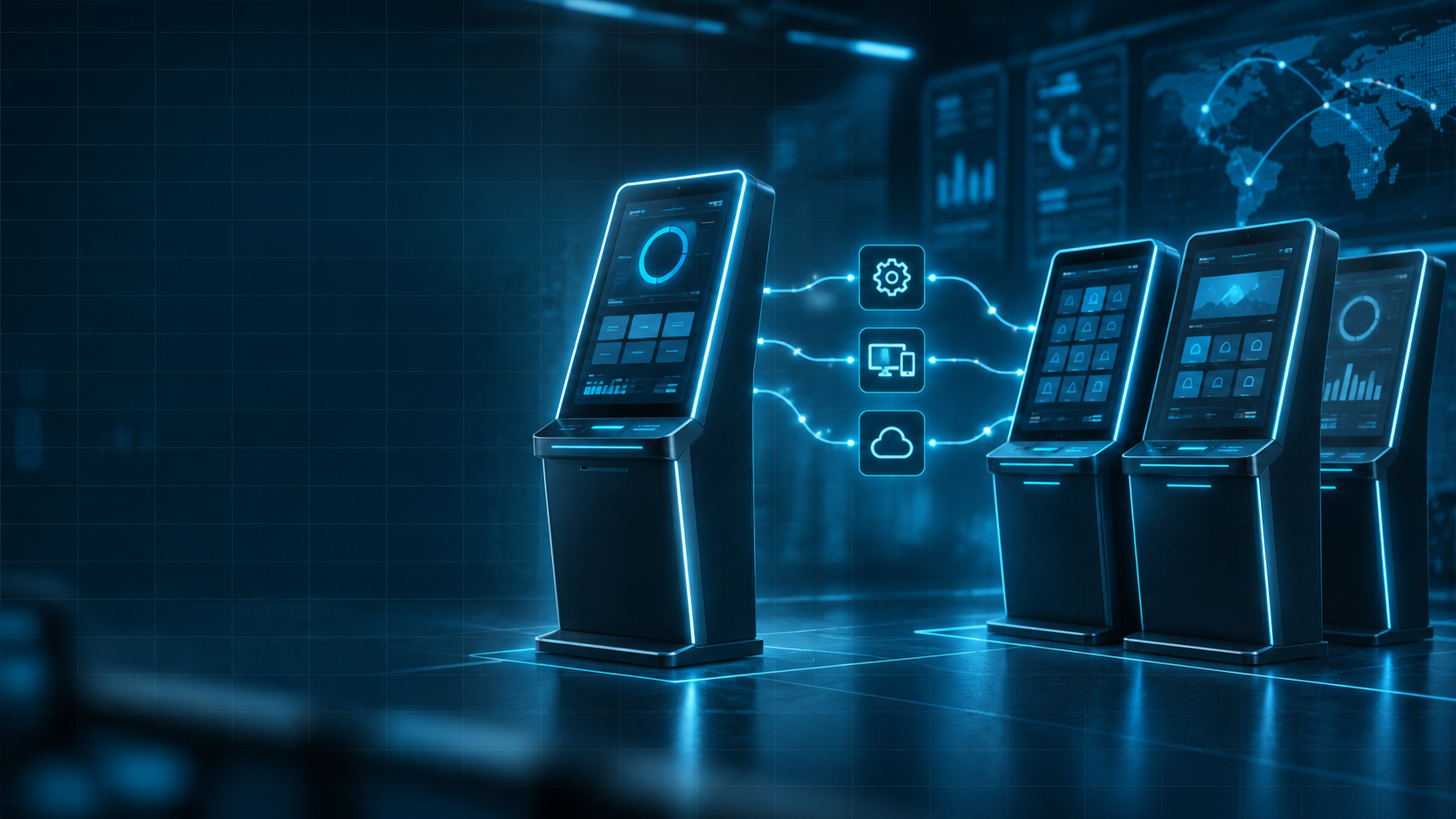
Choosing a gaming kiosk starts with the systems a location needs to use and the work the kiosk is expected to handle. The number of supported platforms matters, but it does not tell an operator whether a particular model fits the available space, staff procedures, or maintenance arrangements. A single-platform configuration may meet a location’s needs for years. Another business may need access to several supported systems from one kiosk. The useful comparison is between the exact configurations available, including their limitations and ongoing requirements.
What Single-Platform and Multi-Platform Kiosks Mean
A single-platform kiosk configuration supports one gaming platform. A multi-platform configuration supports more than one. Those labels describe platform support; they do not establish which functions are available for each system or whether all supported platforms are included in the quoted setup. Ask whether support means the kiosk can operate with several platforms in its installed configuration or must be reconfigured to switch between them. Also clarify what the customer and staff experience looks like for each supported system. When reviewing models such as the Great Balls of Fire Kiosk, confirm the available configuration rather than classifying the product by its name. For an option listed as a Blue Dragon Multi-Platform Kiosk, ask which systems and functions the current offering includes. A product label is a starting point for questions, not a complete specification.
How Gaming System Compatibility Affects the Decision
Make a list of the platforms the business needs now. Then ask the supplier to confirm support for each one, including any relevant software versions and required components. Keep possible future additions separate so they do not obscure the requirements for launch. Compatibility checks should cover the kiosk software, supported platforms, peripherals, and network connection. If purchases or redemptions are part of the proposed workflow, confirm how those functions are supported in the specific configuration. Do not assume a function available on one platform is available on every other platform connected to the kiosk. Ask what happens when a platform changes or receives an update. Who checks compatibility, applies required changes, and confirms the kiosk can return to normal use? Those responsibilities matter as much as the initial list of supported systems.
Comparing Daily Staff and Customer Workflows
A single-platform setup can reduce the number of platform-specific procedures staff need to learn. It does not remove the need for training, troubleshooting, or a clear escalation route. Employees still need to recognize a problem and know which actions they are authorized to take. A multi-platform setup may introduce additional choices or procedures. The amount of extra work depends on the interface and the way the systems are integrated. It does not automatically mean multiple vendors, separate staff accounts for every platform, or additional hardware. Ask the supplier to demonstrate the intended workflow. Review how someone selects a platform, how staff identify the system involved in a problem, and what happens when one service is unavailable. Confirm whether an issue affecting one platform also limits other kiosk functions; do not assume the services are isolated from one another.
Hardware, Connectivity, and Maintenance Questions
Compare the quoted equipment rather than assuming a platform count determines hardware quality or service needs. Ask for the dimensions, clearance needed for servicing, power requirements, and available connection method. Check these against the intended location before ordering. Review components individually where they are included:
- Screen: interface, accessibility of controls, and the supplier’s cleaning instructions.
- Printer: supported consumables, replacement procedure, and the response to a paper or printing issue.
- Bill acceptor or recycler: included model, supported configuration, and authorized maintenance procedures.
- Network connection: requirements, responsibility for troubleshooting, and expected behavior if connectivity is lost.
- Power: electrical requirements and any supplier-approved options for backup power.
Clarify who performs routine service and which tasks require technical support. A kiosk that fits the floor space may still be difficult to maintain if staff cannot reach a service panel or replace consumables without moving it.
Adding or Replacing Gaming Systems Later
If adding platforms is part of the business plan, ask what that would involve for the model under consideration. An additional system may require a software change, different components, a new agreement, or a configuration that is not available for the existing unit. Request answers about the specific platforms being considered. General descriptions such as “expandable” do not establish compatibility, cost, or the work required. Ask who carries out the change, how it is checked, and whether the kiosk must be unavailable during that process. Expansion is not a requirement for every location. If the business expects to keep one platform, focus on whether the proposed configuration supports its current workflow and can be maintained consistently. Paying for additional capability only makes sense if it serves a defined need.
When Each Kiosk Type May Be Appropriate
A location with one selected system and a stable workflow may find that a single-platform configuration covers its requirements. The decision should still account for support, hardware, and the functions included in the offering. A business that needs several supported systems may consider a multi-platform configuration. It should assess whether those systems can be used as intended, whether staff can manage the resulting procedures, and how problems are routed to support. For operators with several locations, compare the configurations at each site before trying to standardize them. Shared instructions and similar equipment can simplify training, but only when they reflect the platforms and working conditions actually in use. Limited space also deserves its own check. Compare the physical footprint and service access of the proposed models. Platform count alone does not show which kiosk will fit or be easier to maintain.
A Practical Comparison Checklist for Operators
Ask each supplier the same questions so the answers can be compared directly:
- Which platforms and software versions are supported in the quoted configuration?
- Which functions are available for each platform?
- What hardware, components, and setup work are included?
- Does using several platforms require switching configurations?
- Who handles support, updates, and component maintenance?
- What happens if a platform, connection, or component becomes unavailable?
- What would adding or replacing a platform require?
Record the answers alongside the requirements for the location. Resolve gaps before ordering, especially where a desired feature depends on an optional component or future change. The right gaming kiosk configuration is the one whose confirmed capabilities match the work the business needs it to do.